
给你的 AI 智能体装一个 Twitter 阅读器:Claude、ChatGPT 和 Codex 的工具定义
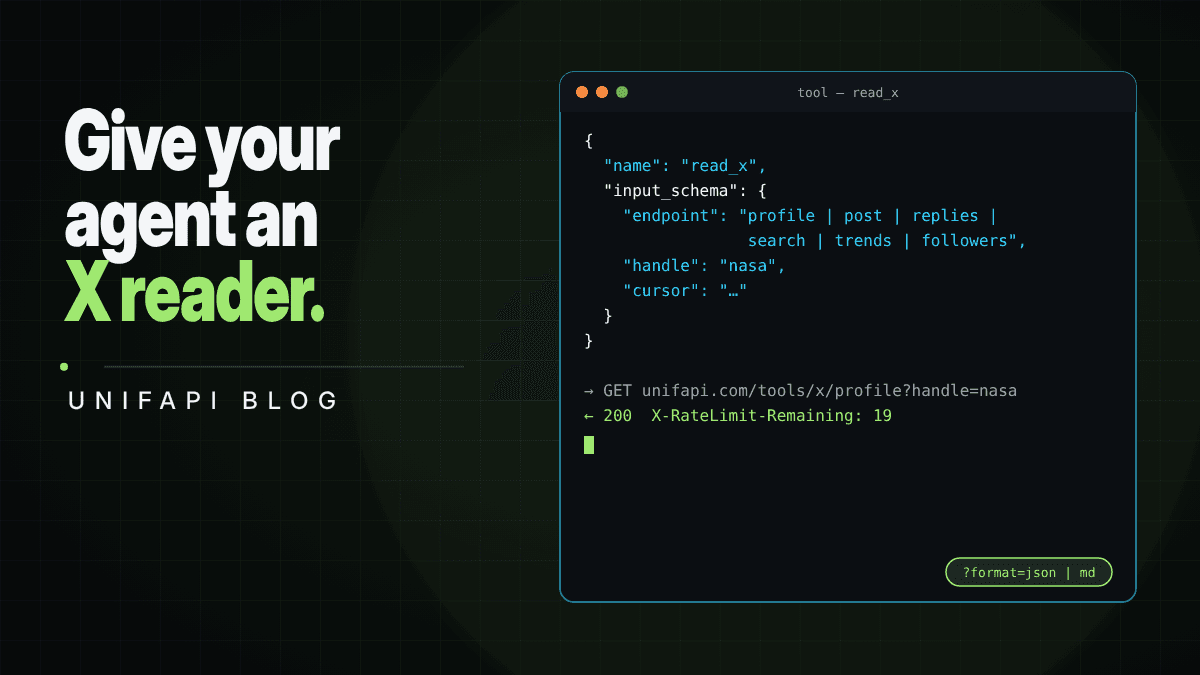

更新于
可直接复制的工具定义,让 Claude、ChatGPT 或 Codex 无需 API 密钥即可读取公开 X 资料、帖子、回复和搜索结果。
一句话总结:智能体读 X 需要四样东西:一个能从用户名或帖子链接拼出来的 URL、一个它能读的 JSON 或 Markdown 响应体、一个它能据以分支的错误,以及一个它看得见的限额。UnifAPI 的
/tools/x/*端点四样都给,而且免费:无需登录、无需账号、无需 API 密钥,按访客限流,所以一个工具定义就是一次 HTTP GET。下面是 Anthropic 工具调用、OpenAI 函数调用的定义,以及给 Claude Code 和 Codex 用的 SKILL.md,外加模型需要的三条规则:读X-RateLimit-Remaining,按Retry-After休眠,结果要直接进上下文窗口时就要 Markdown。
模型早就知道怎么读 X。问 Claude 或 ChatGPT @NASA 这周发了什么,它们会去试:网页搜索一下,抓一次 x.com,也许再拼一个训练数据里的 Nitter URL。搜索返回的是摘要,抓取返回的是一个 JavaScript 空壳,Nitter 实例早就没了。然后模型要么瞎猜,要么道歉。
解法不是更聪明的模型,而是一个工具:它的 URL 模型能拼出来,它的响应体模型能解析。本文就是这个工具,以人们真正会部署的三种格式给出。
端点
八个 GET,全在 https://unifapi.com/tools/x/ 下,每个都在 /llms.txt 里附有抓取的样例:
| 端点 | 参数 | 返回 |
|---|---|---|
profile | handle、posts(1–10)、cursor | 主页、互动率、近期帖子 |
post | id(id 或 URL) | 一条帖子,含作者、媒体、引用的帖子、指标 |
media | handle、cursor | 一个账号的照片和视频帖子 |
replies | id、sort=top|recent、cursor | 帖子及其公开回复 |
search | q、cursor | 近期帖子;支持 X 搜索运算符 |
trends | location 或 woeid | 当前热搜 |
communities | q、cursor | 某话题的公开 X 社区 |
followers | handle、kind=followers|following | 谁在关注一个账号,或它关注了谁 |
每个列表都是 { items, hasMore, nextCursor }。每个错误都是 { error: { type, message } }。每个响应都带 X-RateLimit-Limit、X-RateLimit-Remaining、X-RateLimit-Reset;429 另加 Retry-After。加 format=md 得到 Markdown。
Anthropic 工具调用
对模型来说,一个带 endpoint 枚举的工具比八个工具更简单,而且参数名与 API 一致,模型不会写错。
{
  "name": "read_x",
  "description": "Read public X (Twitter) data with no account: a profile and its recent posts, one post, an account's media, the replies under a post, a search over recent posts (X operators like from:, since:, min_faves:, filter:media work), trends by location, Communities by topic, or an account's followers/following. Free, rate-limited to 20 requests per 10 minutes; search costs 2. Returns JSON. Pass cursor from a previous result to page.",
  "input_schema": {
    "type": "object",
    "properties": {
      "endpoint": {
        "type": "string",
        "enum": [
          "profile",
          "post",
          "media",
          "replies",
          "search",
          "trends",
          "communities",
          "followers"
        ]
      },
      "handle": {
        "type": "string",
        "description": "X handle or profile URL (profile, media, followers)"
      },
      "id": { "type": "string", "description": "Post ID or x.com status URL (post, replies)" },
      "q": { "type": "string", "description": "Search query or Communities topic" },
      "location": {
        "type": "string",
        "description": "Trends location slug: worldwide, us, uk, japan, india, brazil, korea, germany, spain, mexico"
      },
      "sort": { "type": "string", "enum": ["top", "recent"] },
      "kind": { "type": "string", "enum": ["followers", "following"] },
      "cursor": { "type": "string" }
    },
    "required": ["endpoint"]
  }
}
处理函数就是一行 fetch:
async function readX(input: { endpoint: string } & Record<string, string | undefined>) {
  const { endpoint, ...params } = input;
  const qs = new URLSearchParams(Object.entries(params).filter(([, v]) => v) as [string, string][]);
  const res = await fetch(`https://unifapi.com/tools/x/${endpoint}?${qs}`, {
    headers: { Accept: "application/json" },
  });
  const body = await res.json();
  if (res.status === 429)
    return { error: body.error, retryAfterSeconds: Number(res.headers.get("Retry-After")) };
  return { ...body, remaining: Number(res.headers.get("X-RateLimit-Remaining")) };
}
把 remaining 返回给模型是刻意为之。被告知只剩 3 次查询后,Claude 会停止翻页,用手头的结果作答,而不是一头撞上限额。
OpenAI 函数调用
同样的形状,换成 OpenAI 的外壳:
{
  "type": "function",
  "function": {
    "name": "read_x",
    "description": "Read public X (Twitter) data with no account. endpoint=profile|post|media|replies|search|trends|communities|followers. Free, 20 requests per 10 minutes. Returns JSON with { items, hasMore, nextCursor } for lists.",
    "parameters": {
      "type": "object",
      "properties": {
        "endpoint": {
          "type": "string",
          "enum": [
            "profile",
            "post",
            "media",
            "replies",
            "search",
            "trends",
            "communities",
            "followers"
          ]
        },
        "handle": { "type": "string" },
        "id": { "type": "string" },
        "q": { "type": "string" },
        "location": { "type": "string" },
        "sort": { "type": "string", "enum": ["top", "recent"] },
        "kind": { "type": "string", "enum": ["followers", "following"] },
        "cursor": { "type": "string" }
      },
      "required": ["endpoint"]
    }
  }
}
给 Claude Code 和 Codex 的 SKILL.md
编码智能体不需要工具定义;它们只需要被告知这个 URL 模式存在。项目里放一个 skill 文件就行:
---
name: read-x
description: Read public X (Twitter) profiles, posts, replies, search, trends, communities, and followers as JSON or Markdown with no API key, via https://unifapi.com/tools/x/*. Use when a task needs what an account or post says on X.
---

# Reading X

All endpoints are GET https://unifapi.com/tools/x/<endpoint>. No key. Free limit 20 requests
per 10 minutes (search costs 2), printed in X-RateLimit-* headers; on 429 wait Retry-After.

- profile?handle=nasa profile + recent posts (+ posts=1-10, cursor)
- post?id=<id or x.com URL> one post
- media?handle=nasa photo/video posts
- replies?id=<id>&sort=top replies under a post (sort=recent for newest)
- search?q=from:nasa%20filter:media recent posts; X operators work
- trends?location=us trending now
- communities?q=ai X Communities
- followers?handle=nasa&kind=following

Add &format=md for Markdown when the result goes into context. Lists are { items, hasMore,
nextCursor }; pass cursor= to page. Errors are { error: { type, message } }.
Full reference with samples: https://unifapi.com/llms.txt
有了这个文件,"看看 @NASA 这周发了什么,并总结最热门那条帖子下的回复"就变成智能体自己写出的两条 curl。
给模型的三条规则
- 翻页前先读剩余次数。
X-RateLimit-Remaining在每个响应上都有。一次主页加它的回复加一次搜索是 20 个单位里的 4 个;一个把所有东西都翻完的循环,一分钟就是 20 个单位。 - 按
Retry-After休眠,绝不循环重试。 429 的响应体还写明了upgradeURL;如果任务超出免费层,就该去那里,用工作区密钥,字段名不变。 - 结果是拿来读的就要 Markdown,拿来给代码用的就要 JSON。
format=md用几百个 token 就能渲染一个主页及其帖子,没有引号带来的开销。JSON 用在模型要过滤、排序或把数据交给另一个工具的时候。
MCP
如果智能体已经会说 MCP,计量版 X API 在 UnifAPI MCP 服务器上提供同样的操作(主页、帖子、搜索、回复、关注者等),需要工作区密钥,按量付费。上面的免费 HTTP 端点适用于还没有密钥、或任务只是寥寥几次读取、本不该需要密钥的情况。
常见问题
Claude 能读 Twitter 吗?
有工具就能。Claude 自己加载不了 x.com(页面是个 JavaScript 空壳),但给它上面的 read_x 工具,它就能把主页、帖子、回复和搜索结果读成 JSON 并据此推理。
ChatGPT 能读推文吗?
同样的答案:用上面的函数定义,放在自定义 GPT 或 Assistants 工作流里。ChatGPT 内置的浏览功能渲染不了 x.com。
这需要 API 密钥吗?
不需要。这些端点免费使用,无需密钥、无需登录、无需账号,按访客限流:每 10 分钟 20 次查询,一次搜索计为两次。密钥只用于不设上限的计量访问。
智能体能用这些数据做的事有限制吗?
端点只读公开数据。受保护账号只返回它存在的事实和各项计数,绝不返回帖子。按 X 服务条款对公开内容的允许范围使用数据。