
Instagram highlights viewer: read a profile's pinned stories before outreach
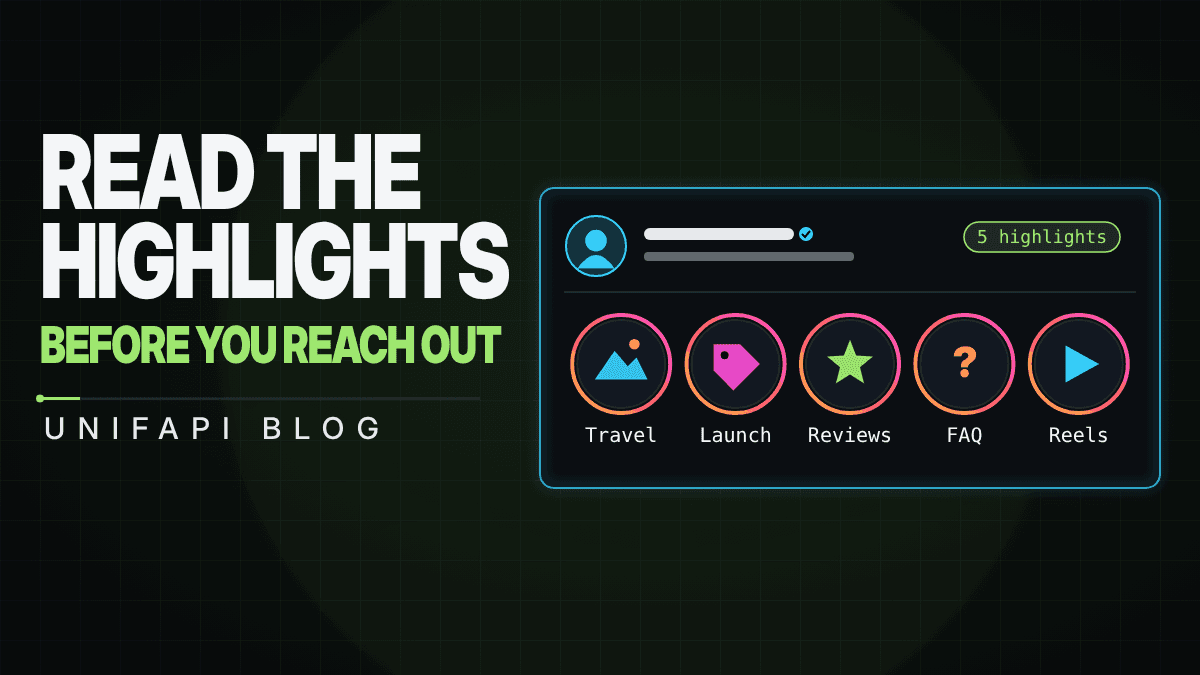

Use an Instagram highlights viewer to audit a brand's evergreen stories, vet a creator before outreach, and track competitors' changes.
In short: highlights are the part of an Instagram profile the account chose to keep. Reading them tells you what a brand or creator wants new visitors to see first — before you look at a single post.
Profile research usually starts with followers, recent posts, and engagement. The highlight tray deserves a place in the same first pass: it is curated, it rarely changes by accident, and it is public.
The Instagram highlights viewer lists every highlight reel a public account has pinned under its bio — title and cover — through the Instagram highlights endpoint. Pair it with the Instagram story viewer for what is live today and the Instagram profile analyzer for the numbers.
What a highlight tray tells you
| Signal | What it usually means |
|---|---|
| Highlights named after products or launches | The account sells; the tray is a storefront. Check which items are current. |
| "Press", "Reviews", "Testimonials" | Social proof matters to this account — expect partnerships to be vetted. |
| "FAQ", "How to order", "Shipping" | A support surface; the account fields repeat questions in DMs. |
| Travel, events, behind-the-scenes only | A personal or creator account; brand fit depends on the niche, not sales. |
| No highlights at all | Either a new account, a dormant one, or one that never curates. Verify. |
Treat the tray as one evidence point. A brand with twelve neat highlights can still have a weak audience, and a creator with none can still convert.
A practical highlights review workflow
- Resolve the username and confirm the public profile — name, verification, follower count.
- List the highlights and note the titles in profile order; the first three are what visitors see without scrolling.
- Compare the titles with the account's recent posts: do the pinned themes match what the account publishes now?
- Check active stories to see what is being promoted today.
- Record the tray. Rechecking it next month tells you when reels are added, renamed, or dropped — a cheap signal of a campaign starting or ending.
What the tool shows today, and what it does not
The highlights viewer catalogs the reels themselves: each highlight's title and cover image, plus the account's current profile so you know you are reading the right one. The individual story frames inside a highlight are not served by the public API yet, so the tool says so instead of guessing. For the stories an account has live right now, use the story viewer.
Live checks cost 3 credits for the profile plus one credit per highlight reel, with a 10-credit minimum for the highlight tray. Private accounts return nothing, by design: the tool only reads what the account exposes publicly.
Turn it into an agent prompt
Use a bounded prompt when you have a shortlist:
Review these Instagram handles before outreach. For each public account, fetch the profile, list its pinned highlights with titles, and compare the highlight themes against the ten most recent posts. Return the account's apparent purpose (store, creator, community, support), whether the highlights match current content, and anything that should be verified before contact.
The prompt keeps the agent read-only. It gathers evidence; the operator still decides whether to reach out.
What to read next
Instagram highlights endpoint - the public highlight-tray call, paginated by cursor.
Instagram story viewer - what the same account has live today.
Instagram former username checker - the account's name history, for the same vetting pass.