
Codex MCP setup: add a remote MCP server to the Codex CLI and IDE extension

Set up MCP in OpenAI Codex: codex mcp add, the config.toml shape for remote and stdio servers, OAuth via codex mcp login, and checking the tools load.
In short: Codex reads its MCP servers from
~/.codex/config.toml, and the CLI edits that file for you. For a remote server, one command is enough:codex mcp add unifapi --url https://mcp.unifapi.com. Runcodex mcp listto confirm it is registered, andcodex mcp login unifapiif the OAuth sign-in did not open on first use. The Codex IDE extension reads the same file, so a server added once is available in the terminal and in VS Code.
Codex, OpenAI's coding agent, supports the Model Context Protocol in the CLI and the IDE extension. The configuration is a single TOML file, which makes it one of the easier clients to set up and one of the easier ones to get subtly wrong: a server added in the wrong table, or a stdio server declared as a URL, fails silently until you ask for a tool. This guide uses the UnifAPI MCP server (https://mcp.unifapi.com, live public data from social platforms and the SEO stack) as the worked example, and the steps are the same for any remote server.
What you need
- The Codex CLI (
npm install -g @openai/codexorbrew install codex) or the Codex extension in VS Code, Cursor or Windsurf. Both read~/.codex/config.toml. - A signed-in Codex (
codex login). MCP works with ChatGPT sign-in and with an API key. - For UnifAPI: a UnifAPI account when the OAuth prompt opens, and workspace credits before the first billable call. Browsing the catalog is free.
Add a remote server with codex mcp add
A remote (streamable HTTP) server is a URL. Register it:
codex mcp add unifapi --url https://mcp.unifapi.com
Check it was written:
codex mcp list
codex mcp get unifapi
codex mcp list prints every configured server with its transport and auth status. The first time Codex starts a session with an OAuth-protected server, it opens the sign-in in your browser. If that did not happen, or you are on a machine without a browser, trigger it yourself:
codex mcp login unifapi
# headless: print the URL instead of opening a browser
codex mcp login unifapi --no-browser
OAuth login is only offered for streamable HTTP servers; a stdio server has no sign-in step. The token is stored in your keyring (or the credentials file Codex falls back to) and reused across sessions. codex mcp logout unifapi clears it, and codex mcp remove unifapi removes the server.
The config.toml behind it
Everything the CLI wrote is plain TOML under [mcp_servers.<name>]. For UnifAPI the entry is one line:
[mcp_servers.unifapi]
url = "https://mcp.unifapi.com"
Two optional fields matter for other remote servers:
[mcp_servers.example]
url = "https://mcp.example.com"
# Read a static bearer token from this environment variable instead of OAuth
bearer_token_env_var = "EXAMPLE_TOKEN"
# Extra headers, literal or sourced from the environment
http_headers = { "X-Client" = "codex" }
env_http_headers = { "X-Tenant" = "EXAMPLE_TENANT" }
UnifAPI accepts bearer_token_env_var with a workspace API key, but OAuth is the recommended path: nothing to paste into a dotfile, and the token is read-only.
A local stdio server uses command and args instead of url. The two shapes are exclusive; a table that mixes them is rejected:
[mcp_servers.filesystem]
command = "npx"
args = ["-y", "@modelcontextprotocol/server-filesystem", "/Users/you/Projects"]
env = { "NODE_OPTIONS" = "--max-old-space-size=512" }
Per-project servers
Codex merges a project-level .codex/config.toml (in the repository root, when the project is trusted) over your home config. Put a server there when only one repo needs it, and commit the file so teammates get the same tools. codex mcp login resolves names from the merged configuration, so a project-scoped OAuth server signs in the same way.
Confirm the tools load
Start a session in a project and ask for something only the server can answer:
Use the unifapi MCP server to list the operations available for Reddit.
You should see a tool call to list_operations before the answer. In the IDE extension, the MCP servers and their tools are listed in the extension's settings panel; a server with a red status there usually means the OAuth token is missing (codex mcp login) or the URL is wrong (codex mcp get).
Depending on your approval mode (codex --ask-for-approval, or the mode you picked in the IDE), Codex may ask before each tool call. For a read-only server like UnifAPI the calls are safe to allow for the session; the only thing a call can spend is workspace credits, and get_operation shows the per-record price before call_api runs.
A first task that is worth the credits
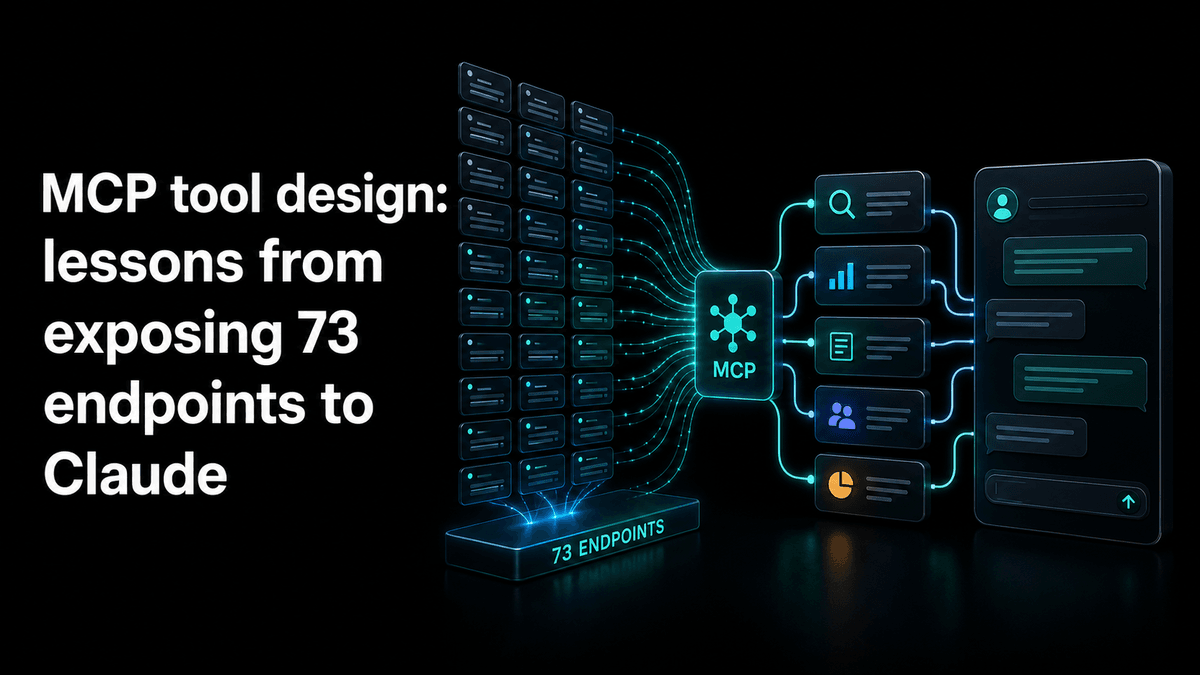
UnifAPI's MCP server exposes a large catalog through three tools: list_operations for discovery, get_operation for the schema and a call example, and call_api to run one. Codex is good at this shape because it is the same loop it uses for a CLI: look up the command, read its help, run it. A bounded first prompt:
Using the unifapi MCP tools, pull the 20 most recent public posts from the X account you find for "OpenAI Developers", and give me a table of post, likes, reposts and a one-line topic. Call
list_operationsandget_operationbeforecall_api.
Billing is per public-data record in workspace credits ($0.001 each; one credit for most records, higher floors published in the catalog). Model tokens stay on your OpenAI plan. A new workspace has no credits until its first top-up, which carries a one-time bonus, so top up once in the UnifAPI console before the first call_api.
For job-shaped work, the platform agents and the SEO agent give Codex a ready prompt and the list of operations it will need.
Troubleshooting
| Symptom | What to do |
|---|---|
codex mcp list shows the server but tools never appear | Start a new session; servers are loaded at session start. In the IDE, reload the window |
| "OAuth login is only supported for streamable HTTP servers" | The table has command instead of url; stdio servers have no login step |
| Browser sign-in never completes | Run codex mcp login unifapi --no-browser, open the printed URL in any browser and paste the callback back into the terminal |
call_api returns insufficient_credits | The workspace has no credits yet; top up once in the console and rerun the same prompt |
| The server disappears in one repository | A project .codex/config.toml is overriding your home config; codex mcp get <name> shows which file the entry came from |
| Tool calls are refused | Your approval mode is blocking them; approve for the session, or relax the mode for this project |
Sources checked
Written on October 14, 2026 against the Codex CLI's MCP configuration reference and the codex mcp subcommands in the current release (add, list, get, login, logout, remove), plus the OpenAI developer docs on Codex MCP. Field names in config.toml are taken from the CLI's own schema.
What to read next
MCP setup - the hosted connector instructions for every client.
How to add an MCP server to Claude - connectors, claude_desktop_config.json and claude mcp add.
Cursor MCP setup - mcp.json and one-click install links.
MCP catalog tool design - why the server exposes three tools instead of one per endpoint.