
Browser API: rendered web reading for marketing Agents
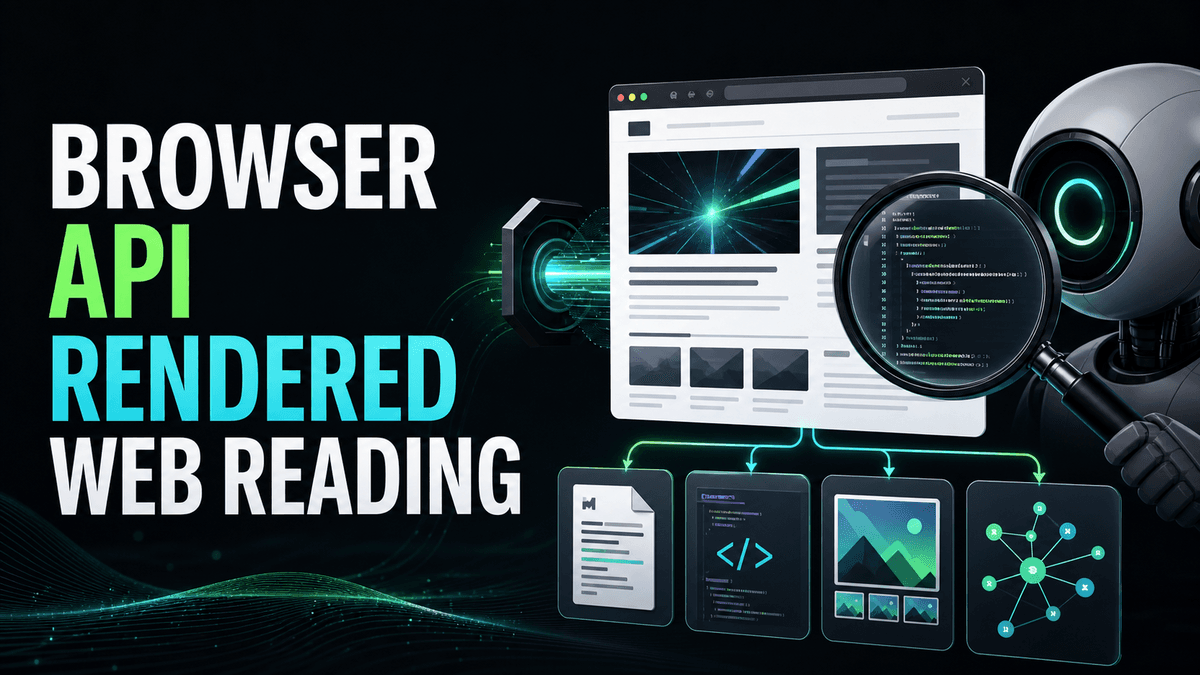

Why UnifAPI added Browser Markdown, HTML, screenshots, and links: agents need rendered web evidence when plain fetch misses JavaScript-heavy pages.
In short: The Browser API is a supporting capability for Agents that need to read real web pages. It renders JavaScript, then returns Markdown, HTML, screenshots, or links so the assistant can cite what a page actually shows.
Many assistants already have a basic fetch tool. That is useful, and UnifAPI does not try to resell plain URL retrieval as a headline product.
But marketing research often hits pages that a simple fetch cannot read well: client-rendered pages, documentation sites, pricing tables, dynamic comparison pages, login-adjacent public pages, lazy-loaded content, and pages where the visible layout matters.
The Browser API fills that gap.
The four Browser operations
| Operation | Use it when |
|---|---|
| Browser Markdown | The Agent needs clean text from the rendered page |
| Browser HTML | The Agent needs the full rendered DOM or technical inspection |
| Browser Screenshot | The Agent needs visual proof or layout evidence |
| Browser Links | The Agent needs a rendered link graph for crawl or navigation analysis |
This is not a crawling product. It is a single-page rendered read primitive for Agents that need page evidence inside a larger workflow.
Why rendered reading matters
Imagine the SEO Agent is auditing a pricing page. A plain fetch returns a shell with bundled JavaScript. The assistant might conclude the page has no pricing table, no FAQ, and no internal links.
Rendered Browser Markdown can show the actual content:
| Without rendering | With Browser API |
|---|---|
| Missing client-side sections | Visible headings, table text, CTA copy |
| Incomplete link set | Rendered internal and external links |
| No visual proof | Screenshot for layout and fold checks |
| Weak citation | Page content the Agent can quote or summarize |
That changes the quality of the recommendation. The Agent can say which section is absent, which competitor page has it, and which rendered links are missing.
A copyable run prompt
Use this with the SEO Agent or Competitive Intelligence Agent:
Read these three competitor pages with UnifAPI Browser Markdown and Links: [URLs]. For each page, extract the visible positioning, headings, proof points, CTAs, internal links, and any pricing or FAQ content. Then compare them to our page at [URL]. Return a table of differences, cite the rendered evidence, and recommend changes. Do not infer private analytics or claim the page was changed.
The prompt keeps the Browser API inside a real business task. It is not asking the assistant to browse endlessly. It is asking for rendered evidence and a decision.
Browser plus SEO
Browser records are especially useful when paired with SEO records:
- Use SEO SERP to find the pages winning a query.
- Use Browser Markdown to inspect what those pages actually say.
- Use Browser Links to see how they route readers.
- Use Browser Screenshot when fold, layout, or trust elements matter.
- Return a fix plan grounded in both ranking evidence and page evidence.
The result is sharper than either layer alone. SERP records say who wins. Browser records help explain why the page might win.
Browser plus GEO
GEO reports also need rendered page evidence. If an AI answer cites a competitor, the Agent can read the cited page, extract the claims, and compare them to the target site's page.
That helps answer a practical question: Is the competitor cited because the answer engine prefers their brand, or because their page contains a clearer definition, comparison, statistic, or source list?
The Browser API cannot know the answer engine's internal reasoning. It can show what the cited page actually contains.
What to keep out of scope
The Browser API should not become an open-ended crawler by default. If a Skill needs multi-page crawling, it should plan, estimate, and ask for scope first.
It should also respect the public-data boundary. The Browser API reads public pages. It is not a way to operate a user's private account, bypass paywalls, submit forms, or make changes on a site.
Good output from a Browser run
| Field | What to include |
|---|---|
| URL | The page read |
| Render mode | Markdown, HTML, screenshot, or links |
| Key extracted evidence | Headings, sections, claims, CTAs, links |
| Confidence | Whether the page looked complete after rendering |
| Gaps | Missing sections, weak proof, broken flow |
| Next step | A recommendation or a narrower follow-up read |
If the assistant returns only a generic page summary, ask it to include the rendered evidence table. Browser calls are most valuable when the output stays auditable.
Primary references
Rendered reads matter because search and AI workflows still depend on accessible page content. Use Google's JavaScript SEO basics when deciding whether a plain fetch is enough, Google's SEO Starter Guide for crawlable content fundamentals, and Google's structured data introduction when the rendered HTML needs entity markup review.
What to read next
SEO Agent live rank audits - shows Browser as part of an SEO workflow.
Competitive Intelligence Agent public signals - uses Browser records for launch and positioning analysis.
Browser API catalog - lists the live Browser operations.