
Distributing Agents: one plugin, Skills, and the UnifAPI MCP server
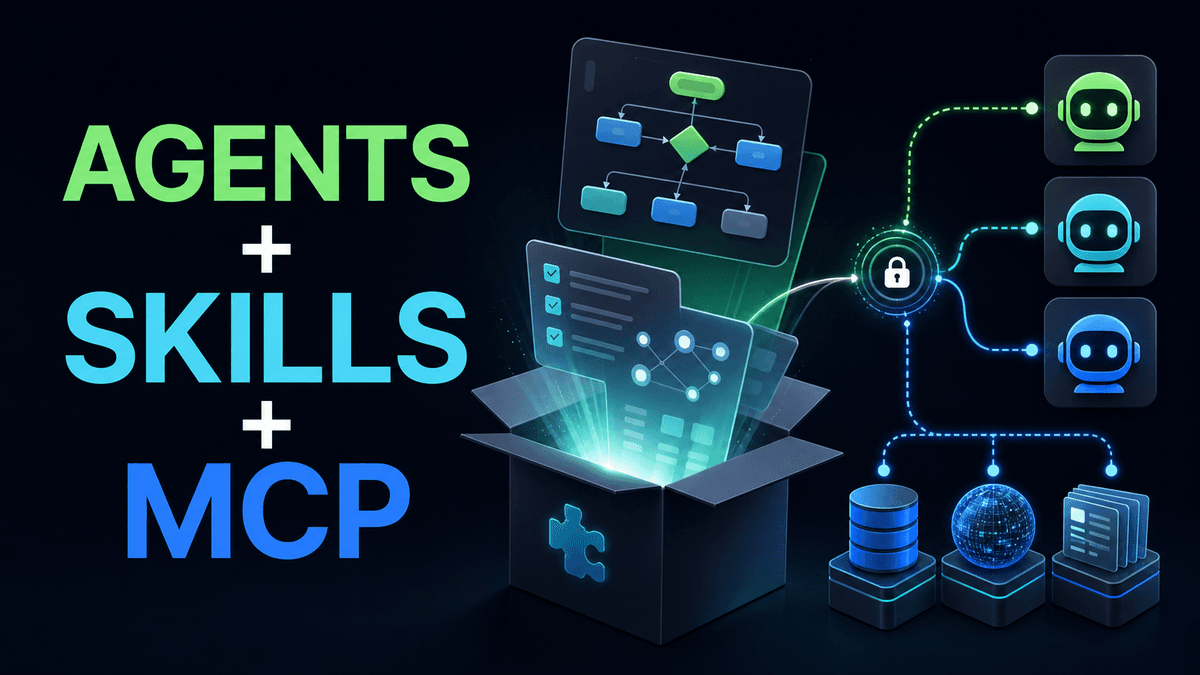

How UnifAPI packages Agents and Skills so operators can load workflows and connect the read-only public-data MCP server without building a custom app.
In short: UnifAPI's distribution model packages the workflow and the data connection together. Operators load the Agent/Skill content into their assistant and connect one read-only public-data MCP server.
The hard part of agent products is often distribution. You can build a workflow, but the operator still has to know where to run it, how to connect data, how to authenticate, and what output to trust.
UnifAPI's model is intentionally simple:
- Publish Agents and Skills as loadable workflow artifacts.
- Connect
https://mcp.unifapi.comonce. - Authenticate with OAuth.
- Let the assistant call public-data operations through MCP.
- Keep direct HTTP APIs available for builders.
The operator does not need a new dashboard just to run a research workflow.
Why one plugin matters
An Agent should not require ten separate setup steps. The ideal package gives the assistant the runbooks and the data connection path together.
| Without packaging | With an Agent/Skill package |
|---|---|
| Copy prompts from scattered docs | Load the Agent and its Skills |
| Add several API keys | Connect one UnifAPI MCP server |
| Guess which endpoint to call | Use Skill instructions and MCP operation schemas |
| Build a custom app to try the workflow | Run it in Claude, Codex, or another assistant |
That is especially important for non-developer operators. The product should feel like loading a capability, not integrating a backend.
MCP is the connection path
The UnifAPI MCP server exposes a compact catalog interface:
| Tool | Purpose |
|---|---|
list_operations | Discover available public-data operations |
get_operation | Inspect schema, examples, and billing metadata |
call_api | Invoke a concrete operation and return records |
This avoids one MCP tool per endpoint. The catalog can grow while the MCP surface stays understandable.
Skills are the workflow path
MCP tells the assistant how to call UnifAPI. Skills tell it what work to do.
For example:
| Skill | What it adds beyond MCP |
|---|---|
seo-audit | Query framing, page inspection, output template, confidence rules |
llm-mention-tracking | Brand/domain matching and AI visibility report shape |
creator-shortlist | Candidate scoring and cross-platform evidence rules |
linkedin-account-research | Company, jobs, people, and news research sequence |
Without Skills, the assistant can call data but may not produce a consistent artifact. Without MCP, the Skill can describe the work but cannot fetch live evidence. Together they are the product.
Open-source companion posture
Some Skills can adapt open-source workflows. The right posture is collaborative: credit the original project, preserve license context, explain what changed for agent operators, and use UnifAPI MCP only where live public data strengthens the workflow.
That avoids pretending every good workflow was invented inside UnifAPI. It also gives maintainers a path to partnership instead of replacement.
What the operator should see
A good setup page should answer:
- Which assistant can run this?
- What server URL do I add?
- How do I sign in?
- What public data can the Agent read?
- What will it never do?
- What prompt do I run first?
The answer should use customer language. "Connect MCP" is a setup action. "Create API key" is a developer fallback. "OAuth recommended" can appear in technical docs, but the operator mainly needs to know that the browser sign-in authorizes UnifAPI credits.
What to read next
Connect UnifAPI MCP to general and coding agents - the setup walkthrough.
Why SKILL.md runbooks make marketing Agents repeatable - the workflow layer.
Agent First architecture - the full product model.